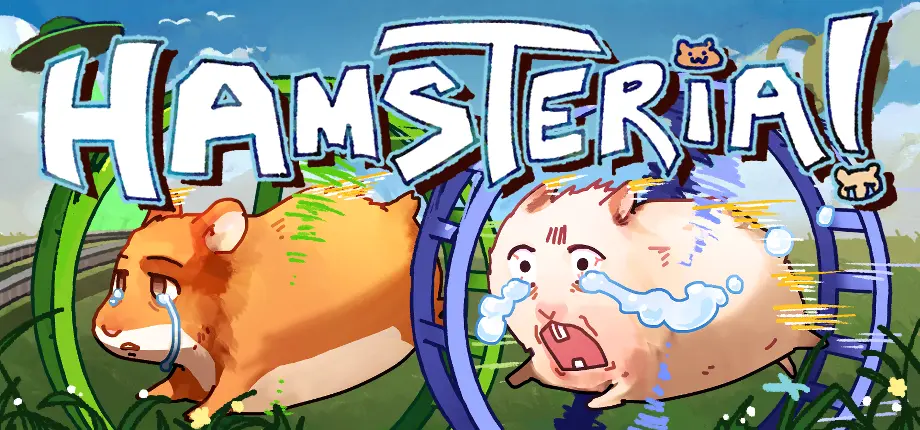
Have you seen those cute hamsters running in wheels on the internet lately? That is the viral game Hamsteria! If you want to try this fun but challenging adventure, this guide is for you.
What is Hamsteria?
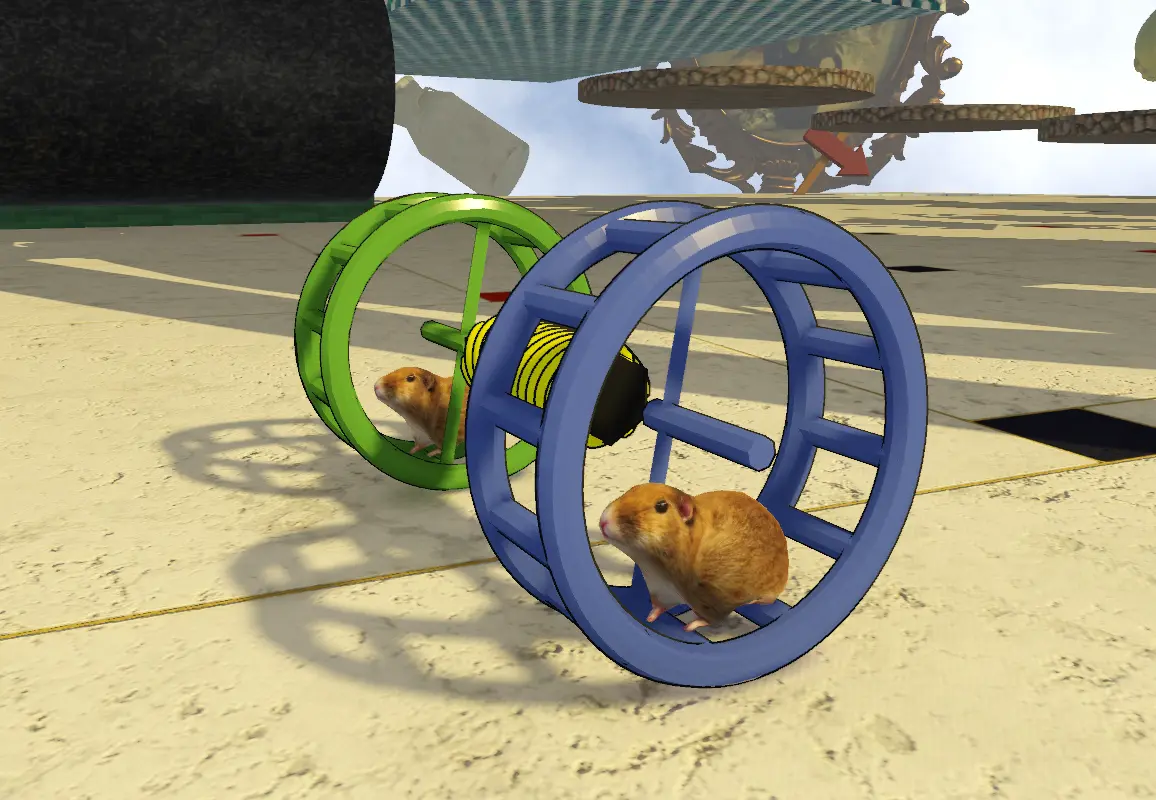
Hamsteria is an exciting 3D physics game created by 2WheelerDev. In this game, you and your friend become two adorable hamsters.
Your goal is simple: work together to cross strange and dangerous levels to reach the finish line.
- Real Physics: The game feels very real because of gravity and momentum.
- A Fun Challenge: If you run too fast or your partner loses balance, you might both fall!
- Free to Play: Currently, you can download it for free on the itch.io platform.
How to Play Hamsteria?
The controls are simple to learn, but it takes practice to be a pro.
Basic Controls
If you are playing on a PC keyboard, here are the main keys:
- Move: Use W, A, S, D or the Arrow Keys to make your hamster run.
- Torque: You can run forward, backward, or use the brake to stay safe.
- Camera: Use your Mouse to look around and see where to jump next.
Playing with Friends
You can play alone, but 2-player co-op is the best way to experience Hamsteria!
- Local Play: Play with a friend on the same computer.
- Online Play: You can play with friends online, even between a PC and a Steam Deck.
- Invite Codes: To join a friend online, just type in their special invite code.
Tips and Tricks
Do you keep falling off the edge? Don't worry! Try these simple tricks:
- Do Not Rush: This is the most important rule. The faster you go, the harder it is to stop. Move slowly when you are near the edge.
- Talk to Each Other: If you are playing with a friend, communicate! Say things like "Left now!" or "Stop!"
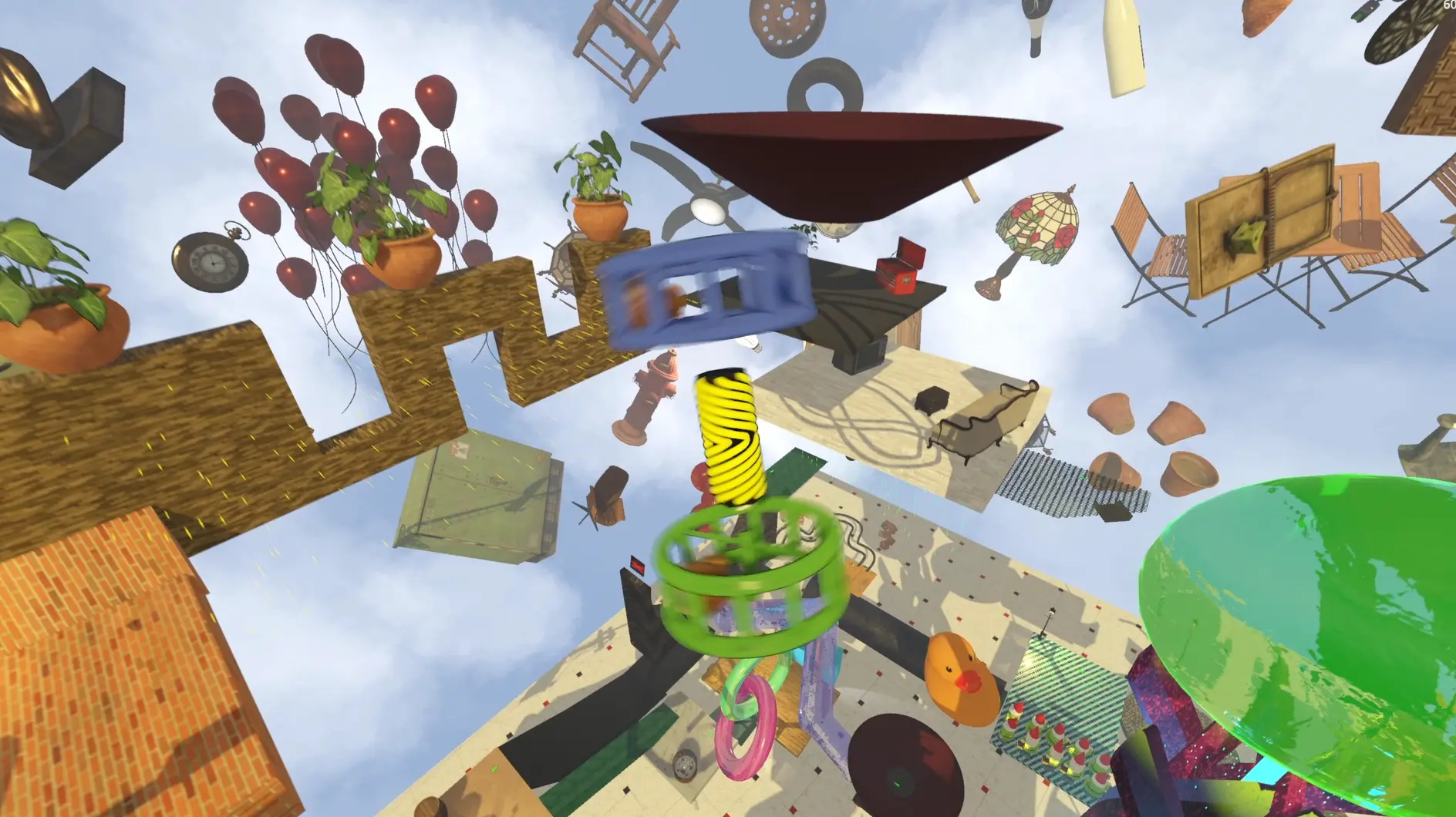
- Find Your Balance: If the wheel starts to tip over, try running a little bit in the opposite direction to fix it.
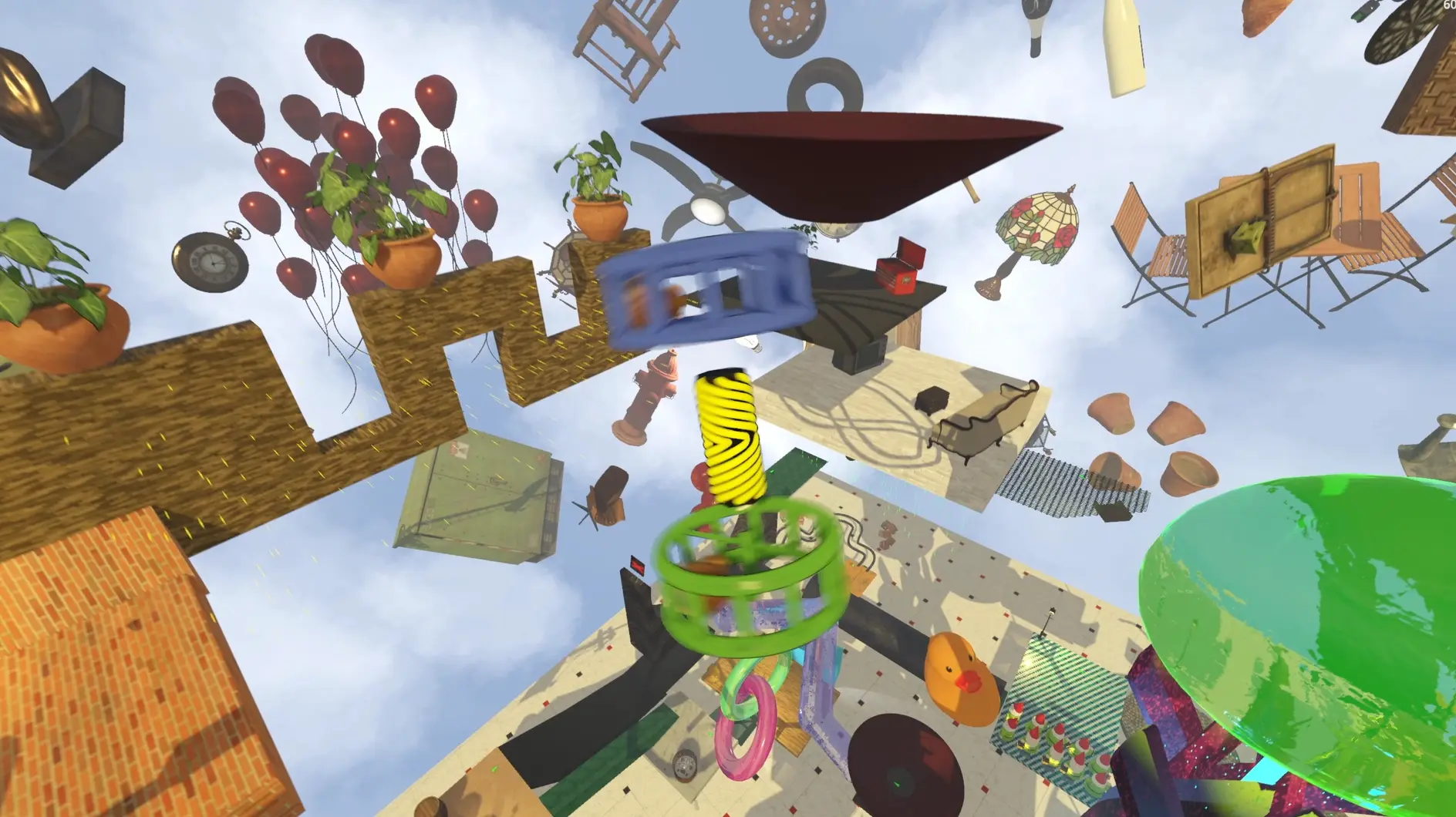
- Check the Path: Use your camera to look ahead before you jump. Some paths look easy but are actually tricky traps.
FAQ
Can I play on my phone?
A: Right now, the game is made for PC (Windows/Linux) and Steam Deck. There is no mobile version yet.
Is the game very hard?
A: It is challenging, but players say it is "fair". If you practice, you will get better.
Will I lose all my progress if I fall?
A: No! The game has checkpoints about every 30 seconds of gameplay. You can restart from your last saved checkpoint in the menu.
Does it run well on the Steam Deck?
A: Yes! It can run at a smooth 90 FPS on the Steam Deck.
Ready to Start?
Hamsteria is a great game that will make you and your friends laugh (and maybe scream a little). Whether you want to test your teamwork or just have some fun, it is a perfect choice. go to download the game from the official itch.io page.